
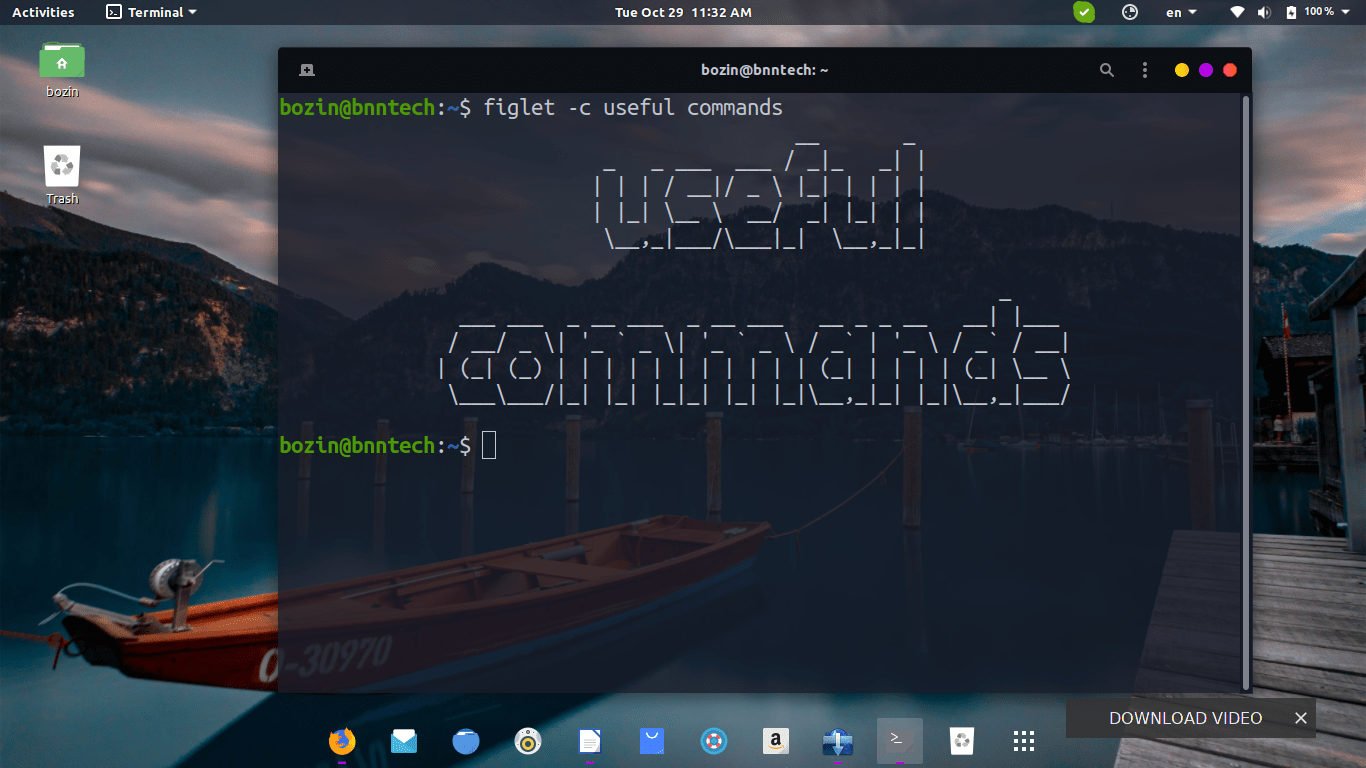
system admin တွေသိပ်ကြိုက်တဲ့ commands များ
#uptime (user ဘယ်နှစ်ယောက် ဘယ်အချိန်က login ဝင်ထားလည်းဆိုတာ သိရမယ်)
#w (login ဝင်ထားတဲ့ user က ဘယ်သူလဲ , tty ဘယ်လောက်နဲ့လဲ)
#users (လက်ရှိ username ကဘယ်သူလဲ)
#who (w နဲ့တူတူပဲ)
#whoami (users နဲ့တူတူပဲ)
#ls (file တွေ dir တွေရဲ့ list ကိုပြတဲ့ command file တွေ dir တွေ modified စလုပ်ခဲ့တဲ့ date ပါပြမှာ >>> usage >> ls -l )
#crontab ( ကို run ချင်တဲ့ script ပဲဖြစ်ဖြစ် command ပဲဖြစ်ဖြစ် အချိန်သတ်မှတ်ပြီး run လို့ကောင်းတဲ့ တစ်ခုတည်းသော command)
အသေးစိတ်လေ့လာချင်ရင် ဒီမှာနှိပ်
#less ( file viewer ပေါ့နော် terminal ကနေ file ထဲမှာရေးထားတဲ့ content တွေဖတ်လို့ရအောင်)
#more (ဒီcommand လည်း file viewer ပဲ သုံးရတာ လွယ်တယ်)
#cp (copy ကူးမယ်)
#mv (ဖိုင်ရွေ့မယ် filename ပါချိန်းမယ်)
#cat (ဖိုင်တွေကြည့်မယ်)
#cd (directory ချိန်းမယ်)
#pwd ( အခု ကိုဘယ် dir အောက်ကို ရောက်နေလဲကြည့်မယ်)
#sort (cat လိုပဲ မြင်သာအောင်ပြောတာ catထက်ပိုကောင်းတယ်)
#vi (text editor ဖြစ်ပါတယ်)
#ssh (secure shell လို့ခေါ်တယ် တခြား host တစ်ခုကို login လှမ်းဝင်ပြီး manage လုပ်တာလို့ အလွယ်မှတ်ပါလေ)
#ftp or sftp ( file transfer protocol လို့ခေါ်တယ် ဖိုင်ဆာဗာက share ထားတဲ့ data or space ကိုယူသုံးမယ်)
#service ( service တွေကို ပိတ်တယ်ဖွင့်တယ် စသဖြင့် အသုံးဝင်တဲ့ command တစ်ခု
usage –> service httpd start (စသဖြင့်ပေါ့)
#free (ram နဲ့ swap ဘယ်လောက် GB ရှိလဲ ကြည့်တာ)
#top (window ဆိုရင် teskmanager လိုမျိုးပေါ့)
#tar (rar တို့ zip တို့လို ခြုံမယ်ချဲ့မယ်)
#grep (test file ထဲက ပဲဖြစ်ဖြစ် စသဖြင့် ကိုလိုချင်တာကိုပဲ ဆွဲထုပ်ကြည့်မယ်)
#find ( ရှာချင်တဲ့ file တွေ dir တွေ ကို စက်တခုလုံးဘယ်နေရကမဆို ရှာမယ်)
#ps (system မှာ run နေတဲ့ process တွေကိုကြည့်မယ်)
#kill (ကိုရပ်သွားစေချင်တဲ့ process ကို အဲ့ဒီ process ရဲ့ id ကိုသုံးပြီး ရပ်လို့ရပါတယ်)
#rm (remove ပေါ့ delete ပေါ့ ဖျက်ချင်တဲ့ဖိုင်ကိုဖျက်)
#mkdir (dir အသစ်ဆောက်ကြမယ်)
Thank you , BNNTECH
Linux Foundation Course ကို အောက်က လင့်မှာစုံစမ်းပါ
သင်တန်းစုံစမ်းရန် ဒီနေရာကိုနှိပ်ပါ
 BNN TECH